Please rotate your device
To continue exploring this website, please rotate your device to a vertical orientation


SDXL Lightning
ByteDance/SDXL Lightning
A variant of Stable Diffusion XL that generates 1024x1024 px images in 4 UNet steps, enabling near real-time image creation.
SDXL Lightning is an implementation of Stable Diffusion XL that generates images in 1 to 8 UNet inference steps using a combination of techniques from latent consistency models, progressive distillation, and adversarial distillation to create high-quality images quickly.
SDXL Lightning has several advantages over other SDXL implementations:
While the base SDXL model requires 20-50 UNet inference steps for high-quality images, SDXL Lightning only requires 1 to 8 steps.
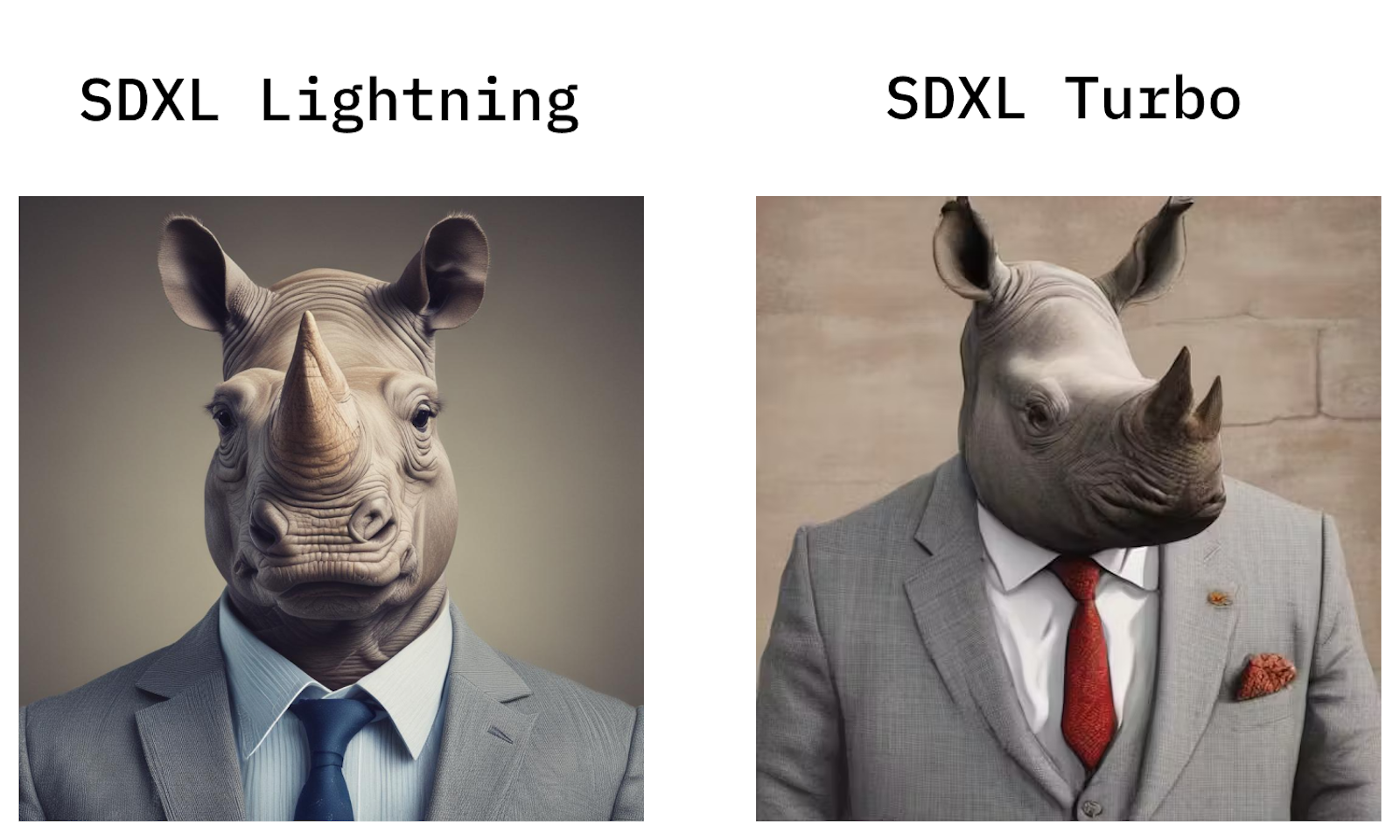
While SDXL Turbo creates images at 512x512 pixels, SDXL Lighting creates images at a full 1024x1024 pixel resolution.
SDXL Lighting offers higher output quality and closer prompt adherence than SDXL Turbo and other LCM implementations.
SDXL Lightning was created by researchers at ByteDance and you can learn more about the model from its paper and model card.
Do SDXL Lightning images look good?
SDXL Lightning offers substantially higher image quality than other fast models like SDXL Turbo.
How many inference steps does SDXL Lighting take?
SDXL Lightning can run for 1, 2, 4, or 8 inference steps. Inference steps refer to how many times the main UNet model is run, which takes the majority of inference time.
Our implementation uses the 4-step UNet, which provides a balance between speed and quality. You can deploy your own version with either 2 steps for even faster results on 8 steps for even higher quality. One-step inference is experimental and doesn’t always yield usable results.
What GPU is required for SDXL Lightning?
The model weights file for SDXL Lighting is 5.14 or 6.94 GB, depending on the variant, so you can run it on as small as a T4 GPU. However, you’ll achieve much higher performance on a larger A100 or H100 GPU.
By default, our implementation uses one A100 GPU for extremely fast inference.
How fast is SDXL Lightning?
We’re still working on exact benchmarks, but generation times are well under a second for a 4-step UNet on an A100 GPU.
The model accepts a single input, prompt, and returns a base64 string of the image as the key result.
This implementation uses the 4-step UNet checkpoint to balance speed and quality. You can deploy your own version with either 2 steps for even faster results or 8 steps for even higher quality.
Input
import base64
import requests
import os

# Replace the empty string with your model id below
model_id = ""
baseten_api_key = os.environ["BASETEN_API_KEY"]
BASE64_PREAMBLE = "data:image/png;base64,"

data = {
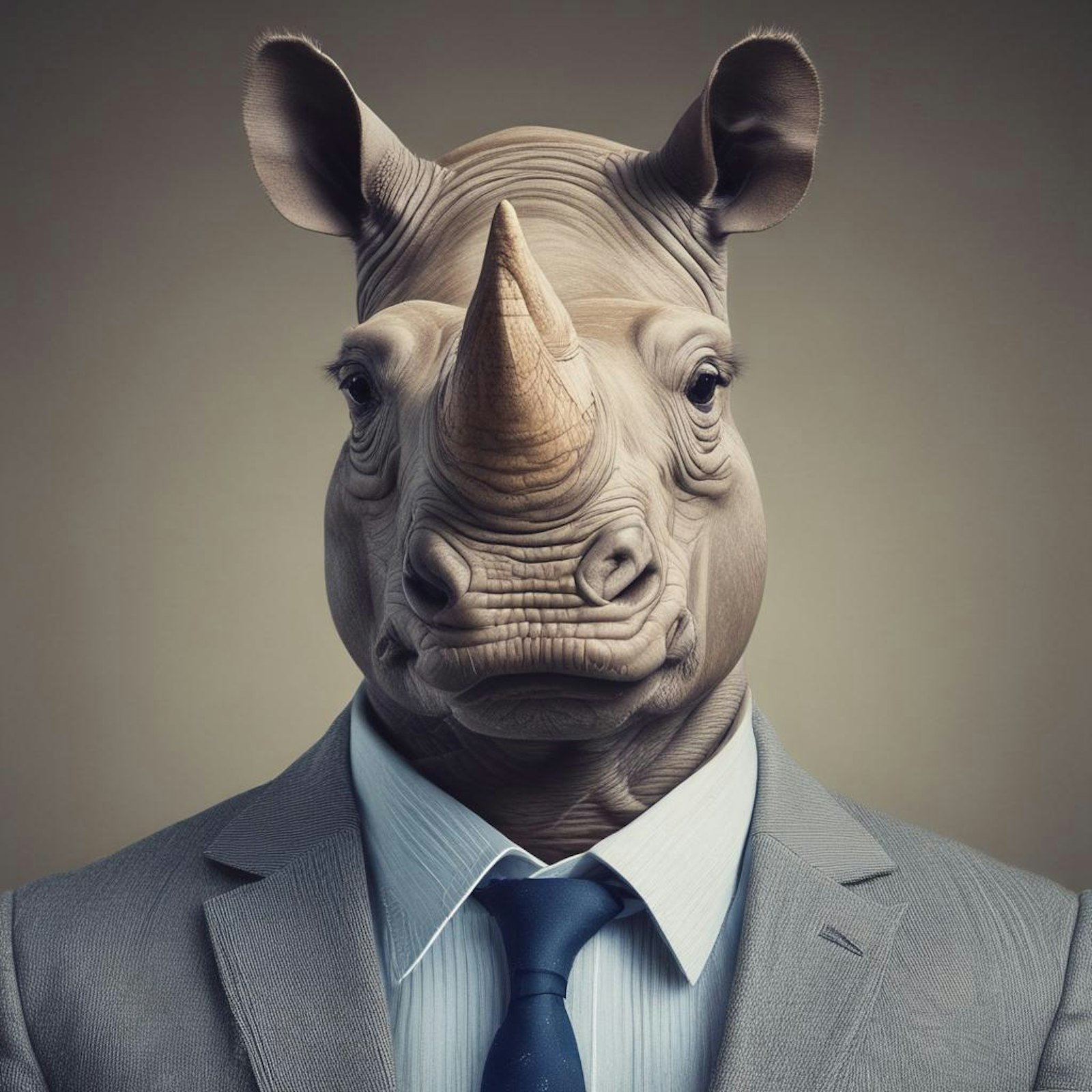
    "prompt": "a picture of a rhino wearing a suit",
}

# Call model endpoint
res = requests.post(
    f"https://model-{model_id}.api.baseten.co/production/predict",
    headers={"Authorization": f"Api-Key {baseten_api_key}"},
    json=data
)

# Get output image
res = res.json()
img_b64 = res.get("result")
img = base64.b64decode(img_b64)

# Save the base64 string to a PNG
img_file = open("sdxl-output-1.png", "wb")
img_file.write(img)
img_file.close()
os.system("open sdxl-output-1.png")
Output
{
  "result": "iVBORw0KGgoAAAANSUhEUgAABAAAAAQACAIAAA..."
}